


I was sitting on a train somewhere between Central and Strathfield when I made my first mobile PayID deposit to a casino. Opened the casino’s mobile site in Chrome, copied the PayID details, switched to my banking app, confirmed the transfer, switched back, and the balance was already there. The whole thing took maybe forty seconds, and I did not need to type a single BSB or account number. That experience is now the baseline for how most Australian players fund their casino accounts — thumb, tap, play.
With more than 18.5 million registered PayIDs in Australia and forecasts pushing past 27 million, the mobile banking app has become the de facto casino cashier for a growing share of players. The deposit happens entirely within apps you already have on your phone. No third-party payment portal, no redirect to a browser-based banking login, no card number entry on a tiny screen. Just your banking app and the casino’s mobile interface, working in sequence.
The App-to-App Deposit Flow on iOS and Android
I tested the flow on both platforms last month — an iPhone 15 running iOS 18 and a Samsung Galaxy S24 on Android 15. The experience was nearly identical, with one minor difference I will get to. The process starts at the casino’s mobile cashier page, where you select PayID as your deposit method and receive the casino’s PayID identifier — usually an email address. You copy that identifier, open your banking app, navigate to the “Pay someone” or “New payment” section, paste the PayID, enter your deposit amount, and confirm.
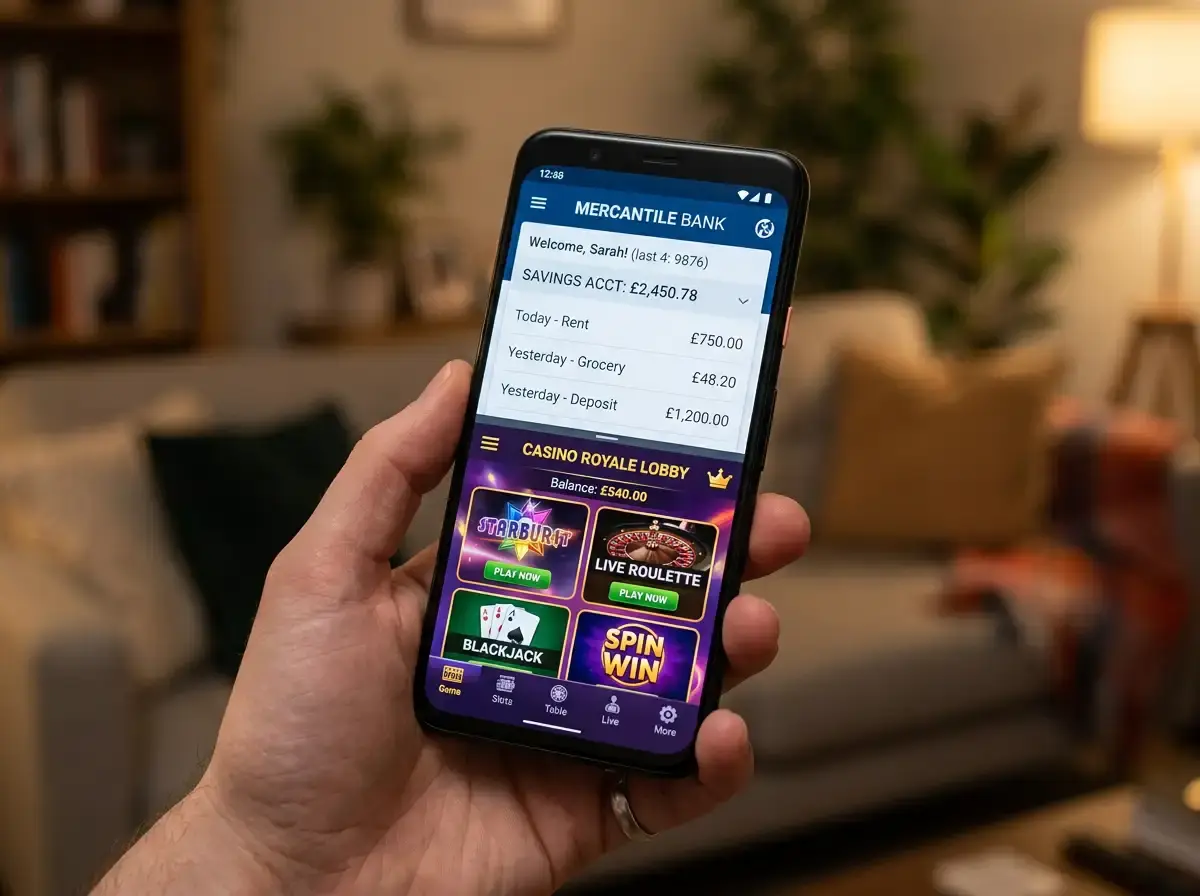
On iOS, the clipboard handoff between Safari and the banking app is seamless. Copy the PayID in Safari, switch to CommBank or ANZ, and the paste function works instantly. On Android, the behaviour is the same — copy from Chrome, paste in the banking app. The minor difference I noticed was that some Android banking apps display a “recent recipients” shortcut more prominently, which means your second deposit to the same casino is even faster because you skip the PayID entry step entirely.
The entire flow typically involves two app switches: casino to bank, then bank back to casino. NPP settles the payment in seconds, so by the time you return to the casino tab, the balance update is usually already reflected. There is no confirmation email to wait for, no pending status to refresh. One in four PayID users has stopped or corrected a payment thanks to the name-display feature that shows the recipient’s registered name before you confirm — a safety check that is especially valuable on mobile where mis-taps are more common than on desktop.
If the casino provides a QR code alongside the PayID (some newer integrations do), the flow is even shorter. Scan the code with your banking app’s camera, confirm the pre-filled details, and the deposit fires without any manual entry at all. This QR approach is still uncommon at offshore casinos, but I expect it to become standard within the next year given the mobile-first direction of both banking and casino UX.
Mobile Casino Cashier Design and PayID Compatibility
Not all mobile cashiers are created equal, and I have strong opinions about the ones that get it wrong. The best mobile cashiers display the PayID identifier in a large, tappable field with a “copy” button right next to it. You tap once, the identifier is on your clipboard, and you are on your way. The worst cashiers bury the PayID details behind a dropdown, inside an iframe that does not resize properly on mobile, or — and this one genuinely baffles me — display the identifier as an image rather than selectable text, forcing you to memorise or manually type an email address on a phone keyboard.
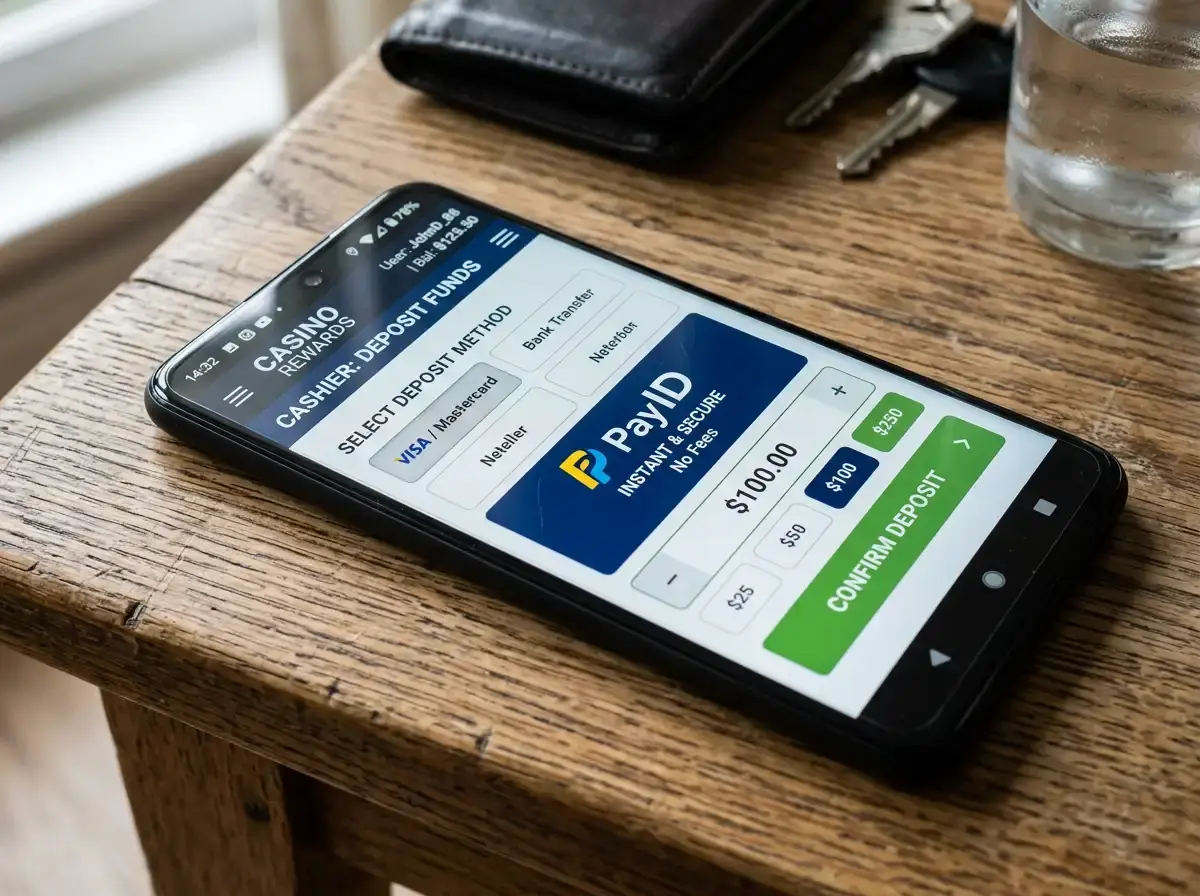
Responsive design matters more for PayID deposits than for card deposits because the flow requires switching between apps. A card deposit can happen entirely within the casino’s cashier — you fill in the form and submit. A PayID deposit requires you to leave the casino, complete the transfer externally, and return. If the casino’s mobile site loses your session during that switch, you might come back to a logged-out screen or a deposit page that has reset. Casinos with proper session persistence handle this gracefully. Others do not.
I keep a mental shortlist of casinos whose mobile cashiers handle PayID well. The common traits: the PayID and deposit amount are visible on a single screen without scrolling, the copy function works reliably, the site maintains session state during the app switch, and the balance updates automatically without requiring a manual page refresh. These are basic UX standards, but a surprising number of offshore operators still fall short.
Small Screen, Big Stakes: UX Pitfalls to Avoid
A friend of mine once deposited A$500 instead of A$50 because his thumb hit an extra zero on the banking app’s number pad and he confirmed without catching it. On a desktop, the larger screen and more deliberate keyboard entry make that kind of error less likely. On mobile, the speed that makes PayID deposits convenient also makes them vulnerable to input mistakes. The amount field in most banking apps does not ask “are you sure?” for standard transfers — the confirmation screen shows the amount, but if you are moving quickly, your eyes might skip it.

Lynn Kraus, CEO of Australian Payments Plus, has noted that one in three payments now processes through NPP — a volume that reflects how embedded real-time payments have become in everyday mobile banking. That ubiquity means the deposit flow feels routine, which is precisely when careless errors creep in. I have developed a personal habit of pausing at the confirmation screen for a deliberate three-second check: right PayID, right amount, right source account. Three seconds of friction that has saved me from at least two mistakes.
Screen size also affects how you interact with the casino itself after depositing. Pokies translate well to mobile — they are designed for touch interaction and scale to portrait orientation. Table games and live dealer interfaces are more cramped, with bet controls that were clearly designed for a mouse pointer rather than a fingertip. If you are depositing on mobile with the intention of playing table games, consider whether the actual gameplay experience justifies the mobile deposit or whether a desktop session would be more practical.
Push Notifications and Transfer Confirmation on Mobile
Every major Australian banking app sends a push notification when a PayID transfer completes. This notification arrives on your phone within seconds of the transfer — often before you have even switched back to the casino tab. It serves as an independent confirmation that your money has left your account and reached the casino’s deposit system. If the notification does not arrive within a minute or two, something may have gone wrong at the bank level, and it is worth checking the transfer status in your banking app before contacting the casino.
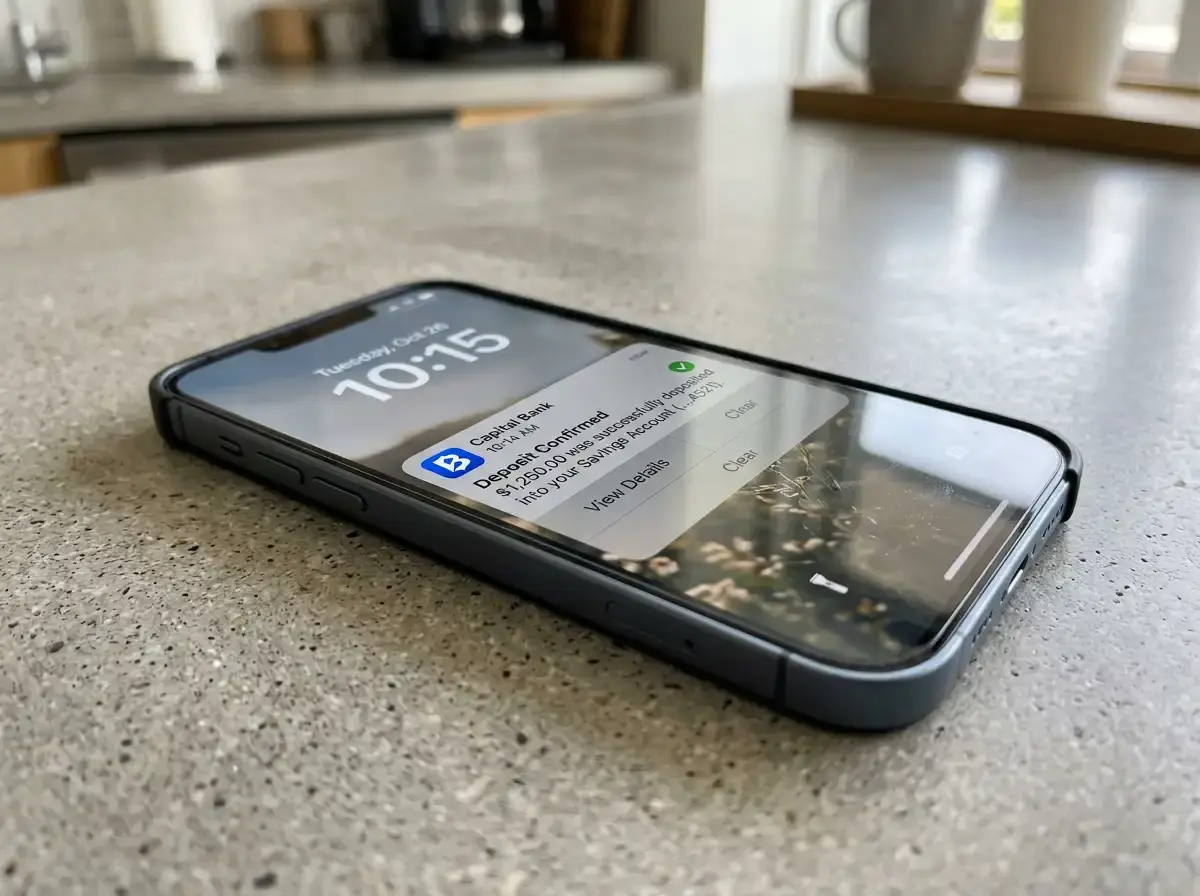
The casino side usually sends its own confirmation — either an in-app notification, an on-screen balance update, or an email receipt. The lag between the bank’s push notification and the casino’s balance update is typically a few seconds, reflecting the time the casino’s payment processor takes to reconcile the incoming NPP payment against your player account. If the bank notification arrives but the casino balance does not update within five minutes, the issue is almost certainly on the processor’s reconciliation side, not a lost payment.
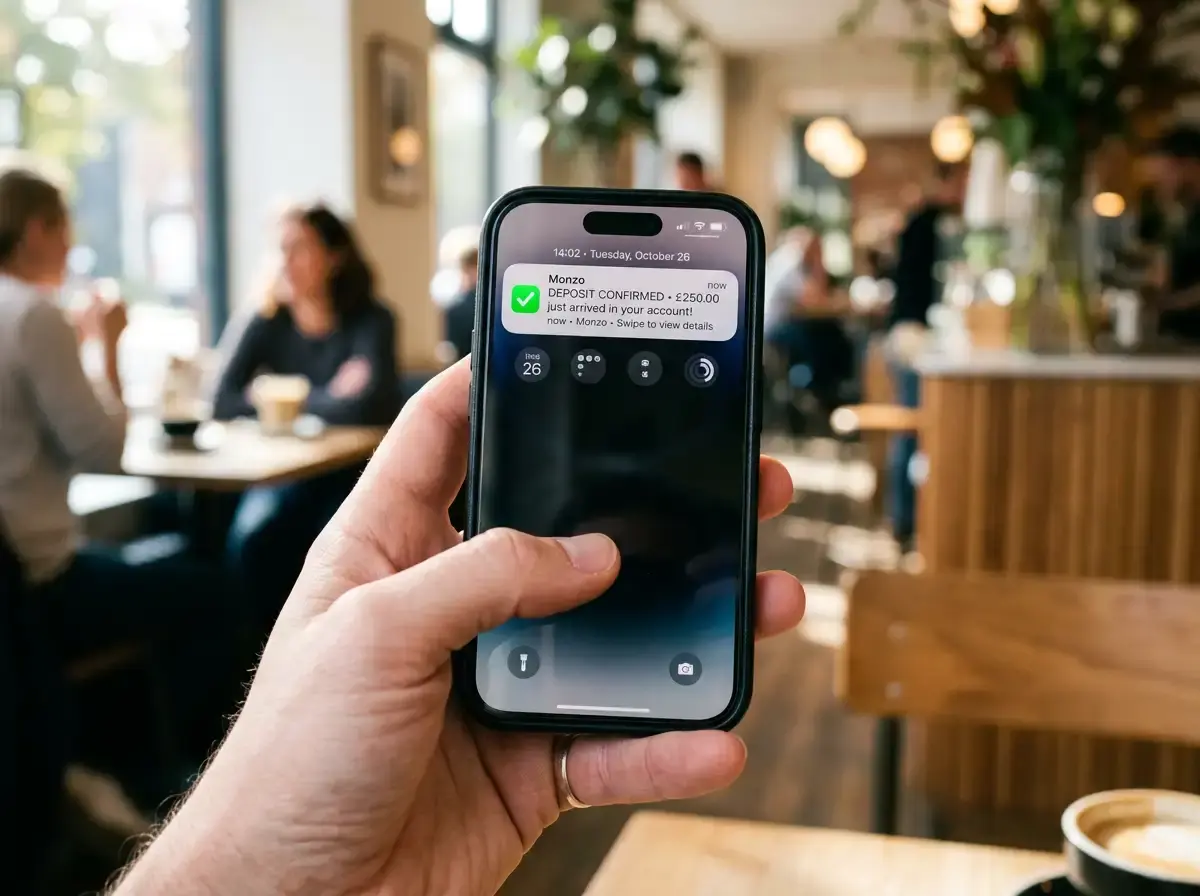
I recommend enabling push notifications for both your banking app and the casino app if one exists. The dual notification creates a simple audit trail: bank says money left, casino says money arrived. If one notification is missing, you know exactly where to direct your enquiry. This is a mobile-specific advantage — on desktop, you would need to manually check both your online banking and the casino dashboard to verify the same information that push notifications deliver automatically to your lock screen.
Your Phone Is Already the Cashier
The mobile PayID deposit flow is not a workaround or an adaptation of a desktop process. It is the native way most Australians now interact with real-time payments. Your banking app is the cashier, NPP is the rail, and the casino is just the destination. Understanding the flow — the app switches, the copy-paste mechanics, the confirmation checkpoints — turns what could be a fumbled sequence of taps into a controlled, five-second process. The infrastructure is built for exactly this use case. The only variable is whether you and the casino’s mobile site are keeping up with it.